
Introduction
Many parents, students, and teachers struggle with accessing school information online because they don’t know how the system works or what the portal does. This uncertainty becomes a problem when they search for RenWeb 1, wondering how to log in, view grades, check attendance, or get school updates. The solution is understanding what RenWeb 1 is, how to access it through the FACTS Family Portal, and the key features it offers to families and school staff. In this guide, we’ll explain everything about RenWeb 1 — from login steps to the tools available in the system — so you can use it confidently and efficiently.
What Is RenWeb 1?
RenWeb 1 refers to a version of the RenWeb Student Information System (SIS) — a web-based school management platform designed to help schools manage student data and communicate with families online. Originally developed as an all-in-one solution for student records, grades, attendance, and communications, RenWeb is now integrated into what’s widely known today as FACTS SIS. Many users still refer to the login interface as “RenWeb.”
Understanding the RenWeb and FACTS SIS Connection
RenWeb was acquired and integrated into the FACTS SIS family of education tools, which remains one of the most widely used school information systems across K-12 schools in the U.S. This system’s goal is to bring administrative, academic, and parent communication tools into one secure online platform.
Why Schools Use RenWeb
Schools choose RenWeb (now FACTS SIS) because it:
- Centralizes student records in one database
- Gives parents real-time access to academic information
- Streamlines administrative functions such as enrollment, attendance tracking, gradebook, and reporting
- Improves communication between staff, students, and families
- Supports online billing and payment tools in some districts
How to Log In to RenWeb 1 / FACTS Family Portal
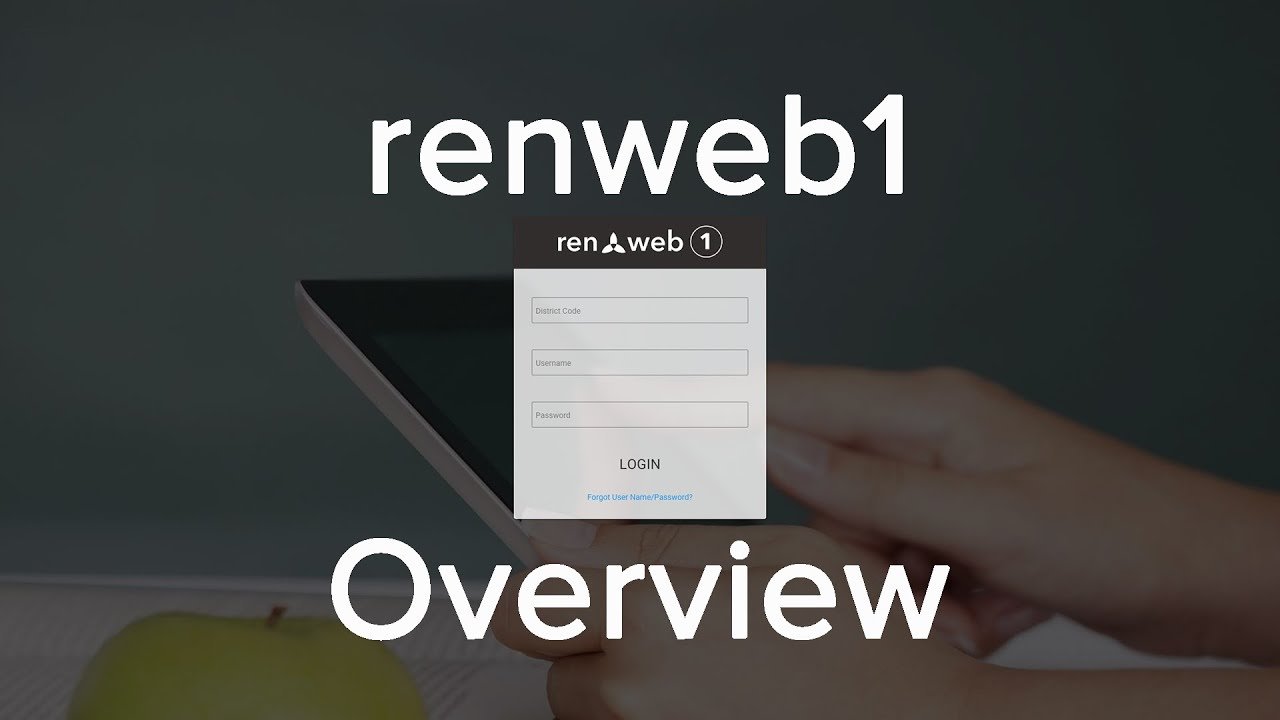
The login process is simple but requires a few key pieces of information, especially the district code:
Step-by-Step Login Instructions
- Visit the Login Page: Go to the FACTS Family Portal or RenWeb login page — often at a school-specific URL provided by your school.
- Enter District Code: Each school has a unique District Code required for login. Without it, access can’t be granted.
- Enter Email and Password: Use the email the school has on file and your password. First-time users may need to create an account.
- Access Your Portal: Once logged in, you can access grades, attendance, schedules, billing, and more.
Parents and students each have distinct login accounts tailored to the information they’re allowed to view — parents typically have broader access compared to students.
Creating a New Account
If this is your first time logging in:
- Ask your school to confirm your email address is in their system
- Go to the login page and click “Create Account.”
- Enter your district code and email — a verification link will be sent to you
- Follow the link to set your password
This process securely links your account to your child’s school records.
Key Features of RenWeb 1 / FACTS SIS
1. Gradebook and Academic Tracking
Teachers enter grades directly into the system. Parents and students can view:
- Assignment grades
- Term grades
- Report cards
- GPA calculations (in some school setups)
2. Attendance Monitoring
Attendance is recorded in real time. Parents can view absences and tardies anytime online.
3. Communication Tools
RenWeb provides built-in messaging capabilities that allow:
- Teachers to send updates to parents
- Schools to post announcements
- Parents to contact staff directly through the portal
4. Enrollment and Admissions Management
FACTS SIS offers tools to:
- Track new student applications
- Upload required documents
- Manage waitlists and admissions status
- Notify families of progress updates
5. Billing, Tuition, and Payments
Some schools integrate tuition, lunch accounts, and other fees into the portal, allowing families to:
- View outstanding balances
- Make payments online
- Set up automatic monthly payments
RenWeb Home App & Mobile Features
In addition to the web portal, RenWeb offers a mobile app called RenWeb Home. This app provides:
- Instant access to grades, attendance, and announcements
- Integration with calendars
- Convenient mobile viewing for parents and students
Troubleshooting Common Login Issues
Login Page Not Loading
If your school’s login page isn’t responding, the system may be:
- Temporarily down
- Experiencing maintenance
- Blocked by browser cache
Try clearing your cache or trying again later.
Incorrect District Code
Without the correct district code, login won’t work. Contact your school’s office to confirm it.
Forgotten Password
Use the “Forgot Password” link on the login page. You’ll be sent a reset link to your registered email.
RenWeb 1 vs Other School Systems
RenWeb / FACTS SIS stands out in private and independent schools due to its:
- Built-in financial tools
- Faith-based (optional) features in some communities
- Easy integration with school processes
- Strong parent communication system compared to some district systems
Security and Privacy
Security is a priority. FACTS SIS encrypts user information, restricts access to authorized users, and follows privacy best practices to protect student and family data.
Frequently Asked Questions (FAQs)
What is RenWeb 1?
RenWeb 1 refers to the school information portal originally known as RenWeb, now integrated into FACTS SIS. It allows parents, students, and teachers to access student information online.
How do I log in to RenWeb 1?
Visit the portal’s login page provided by your school, enter your district code, email, and password to access your account.
What information can I see on RenWeb?
You can view grades, attendance, homework, announcements, schedules, and sometimes billing and payments.
Can students and parents have separate logins?
Yes — students and parents have distinct accounts tailored to their specific access permissions.
What if I forget my username or password?
Use the “Forgot Username/Password” link on the login page and follow the email instructions to reset your credentials.
Is RenWeb secure?
Yes — FACTS SIS uses encryption and secure login protocols to protect personal and academic information.
Conclusion
RenWeb1 — now part of the FACTS SIS and accessible through the FACTS Family Portal — is a powerful online school management system that centralizes student information, grades, attendance, billing, and communication. Whether you’re a parent checking your child’s progress, a student tracking assignments, or a teacher updating grades, this platform simplifies many school tasks.
The key to successful use is knowing your district code, setting up your account properly, and taking advantage of the features available. With secure login, mobile access, and real-time updates, RenWeb continues to be a trusted solution for schools and families.