
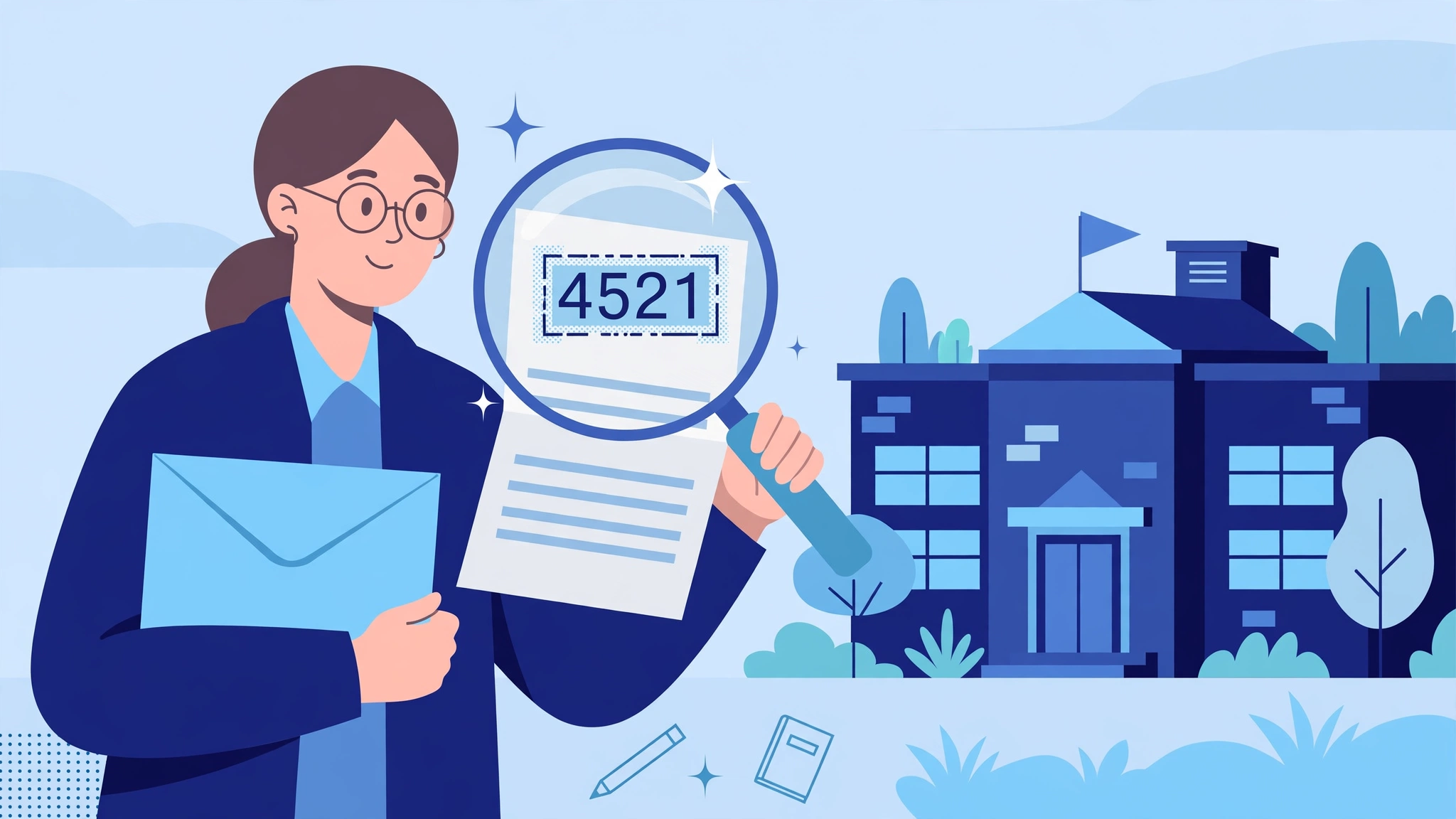
Every RenWeb login starts the same way: before your username and password, the portal asks for a district code. If you do not know yours, you cannot get any further — and unlike a password, there is no “forgot district code” button that will email it to you. That is by design, and this guide explains why, what a district code actually is, where yours is hiding, and what to do when the code you have does not work.
Disclaimer: Therenweb.com is an independent guide. We are not affiliated with, endorsed by, or connected to FACTS Management, RenWeb, or FACTS SIS. This guide will never list real district codes — codes are school-specific and private. Log in only on the official FACTS Family Portal — factsmgt.com, familyportal.renweb.com, logins2.renweb.com, or sis.factsmgt.com.
What Is a RenWeb District Code?
A district code is a short code that tells FACTS which school your account belongs to. FACTS serves thousands of schools on the same system, so when you log in, the first thing the system needs to know is which school’s records to open. Your username and password prove who you are; the district code proves which school you belong to. Without it, FACTS cannot find your account at all.
A district code is not your password. It is not the same for every school. It is not public. Real district codes are not published on the internet, and you will not find a list of them by searching.
What Does a District Code Look Like?
District codes are short — usually a few letters, sometimes with a hyphen. They are often built from the school’s name or initials. The exact format varies from school to school. Do not try to guess a code from a pattern. Guessing will not work, and repeated wrong codes can lock you out. Your code is the exact code your school gave you, characters and hyphens included.
Where to Find Your District Code: 6 Places to Look
- Your Welcome Email From the School – When the school created your Family Portal account, it sent a welcome email. That email almost always includes the district code. Search your inbox for “FACTS”, “RenWeb”, “Family Portal”, or the name of your school.
- The School’s Website – Many schools print their district code on their own website — usually on the parent resources page, the FACTS Family Portal page, or the page that links to the portal login.
- Letters and Paperwork From the School – Enrolment pack, start-of-year letter, handbook, or a slip that came home with your child.
- The School’s App, Newsletter, or Parent Handbook – Search the handbook PDF for “district code” or “FACTS”.
- A Previous Login — Your Browser or Password Manager – If you have logged in before, your browser or password manager may have saved the district code.
- Your School’s Front Office – If none of the above works, call or email your school’s front office. Tell them you need your RenWeb / FACTS district code, give them your name and your child’s name and grade. Do not ask another parent for their code, and do not use a code from a different school.
What to Do If Your District Code Does Not Work
Check every character, including hyphens. Check you are using the current school’s code, not last year’s or another school’s. Check Caps Lock is not relevant but type it exactly as printed. If it still does not work, contact your school’s front office — they can confirm the right code. Do not keep guessing, repeated wrong codes can lock your login. Wait 30 minutes if locked out.
Conclusion
Your district code is the key to the right school’s records. It is in your welcome email, on your school’s website, or in your school paperwork — and if not, your school’s front office will give it to you in one call. Never use a code from another school, and never trust a website that claims to list real district codes.
Related guides: RenWeb Login , FACTS Family Portal , RenWeb Family Portal , FACTS Family Portal MFA , How to Reset Your RenWeb Password , Homepage
Frequently Asked Questions
What is my RenWeb district code?
It is the short, school-specific code FACTS uses to find your school’s records. Your school gave it to you in your welcome email, on its website, or in enrolment paperwork.
Where do I find my RenWeb district code?
Check your welcome email from the school first, then the school’s website, your enrolment paperwork, the parent handbook, your browser’s saved logins, and finally your school’s front office.
Can I find RenWeb district codes online?
No. Real district codes are private and not published on the internet. Any website claiming to list them is not to be trusted.
My district code does not work. What do I do?
Check every character and hyphen, make sure it is the current school’s code, and if it still fails, contact your school’s front office to confirm the correct code.